
MediaPilot inside your AI assistant
Connect MediaPilot to Claude, ChatGPT or an agent you built yourself. Ask it to draft a post, check last month's numbers or schedule Tuesday — it works in your MediaPilot workspace, with the same tone and the same guardrails.
- 7-day free trial
- Cancel anytime
- From $9.90 / month
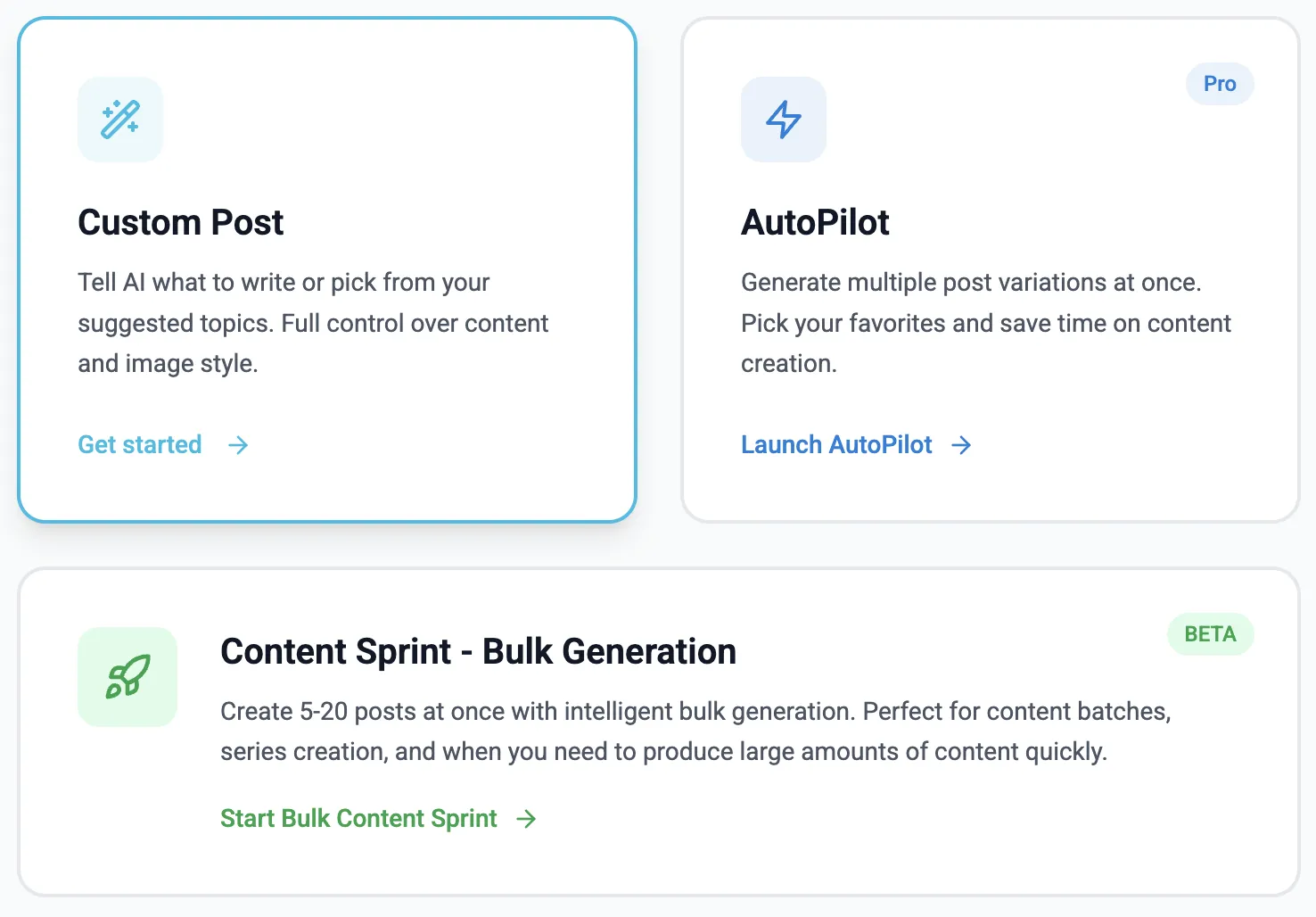
Claude, ChatGPT, Cursor or your own.
Read, draft, schedule, publish — separately.
Drafting never publishes.
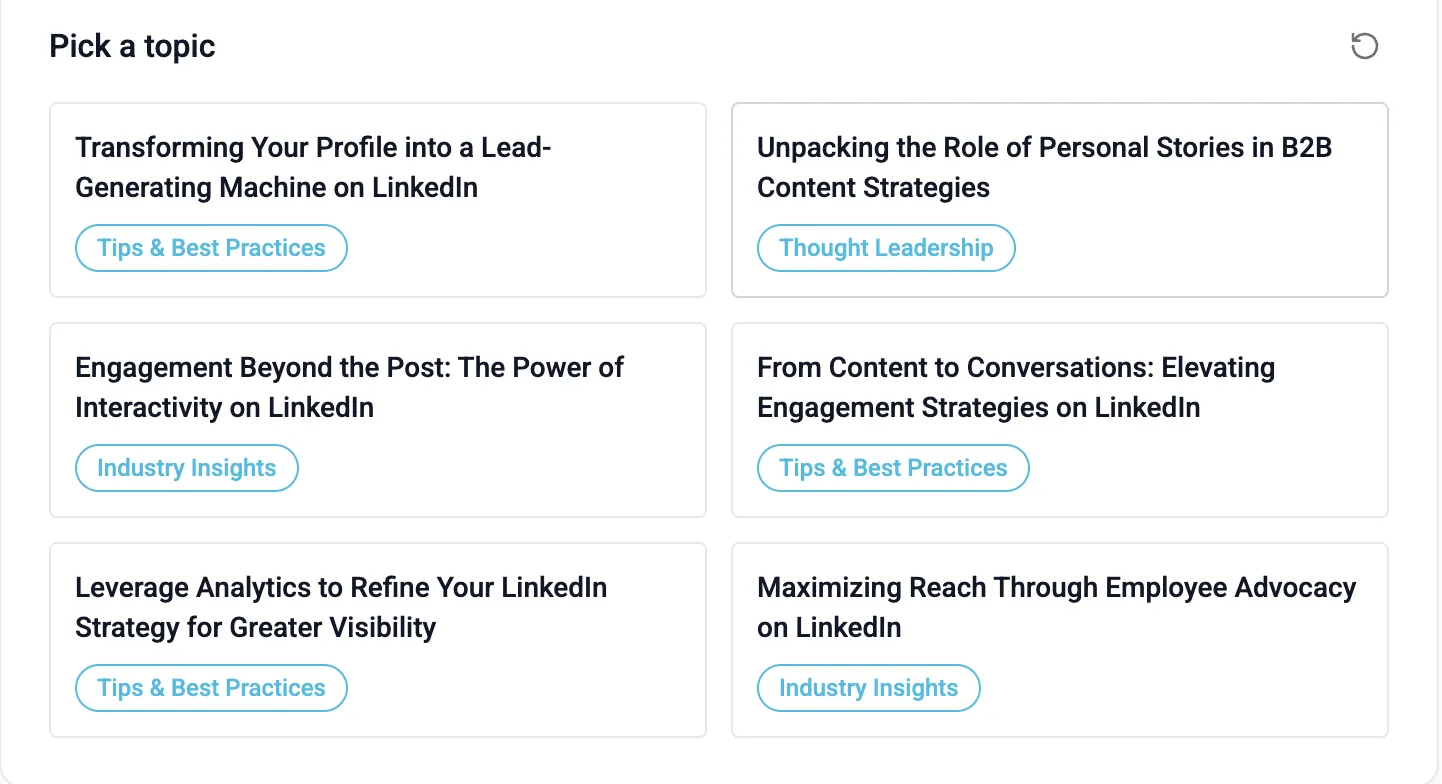
Ask what is worth posting
MediaPilot keeps a topic pool built from your profile, your links and your documents. Your assistant can read it, so “what should I post this week?” has a real answer instead of a generic one.
- Each topic says who it is for, what it claims and why it matters
- Or skip the pool and describe the post yourself
- Reading the pool costs nothing
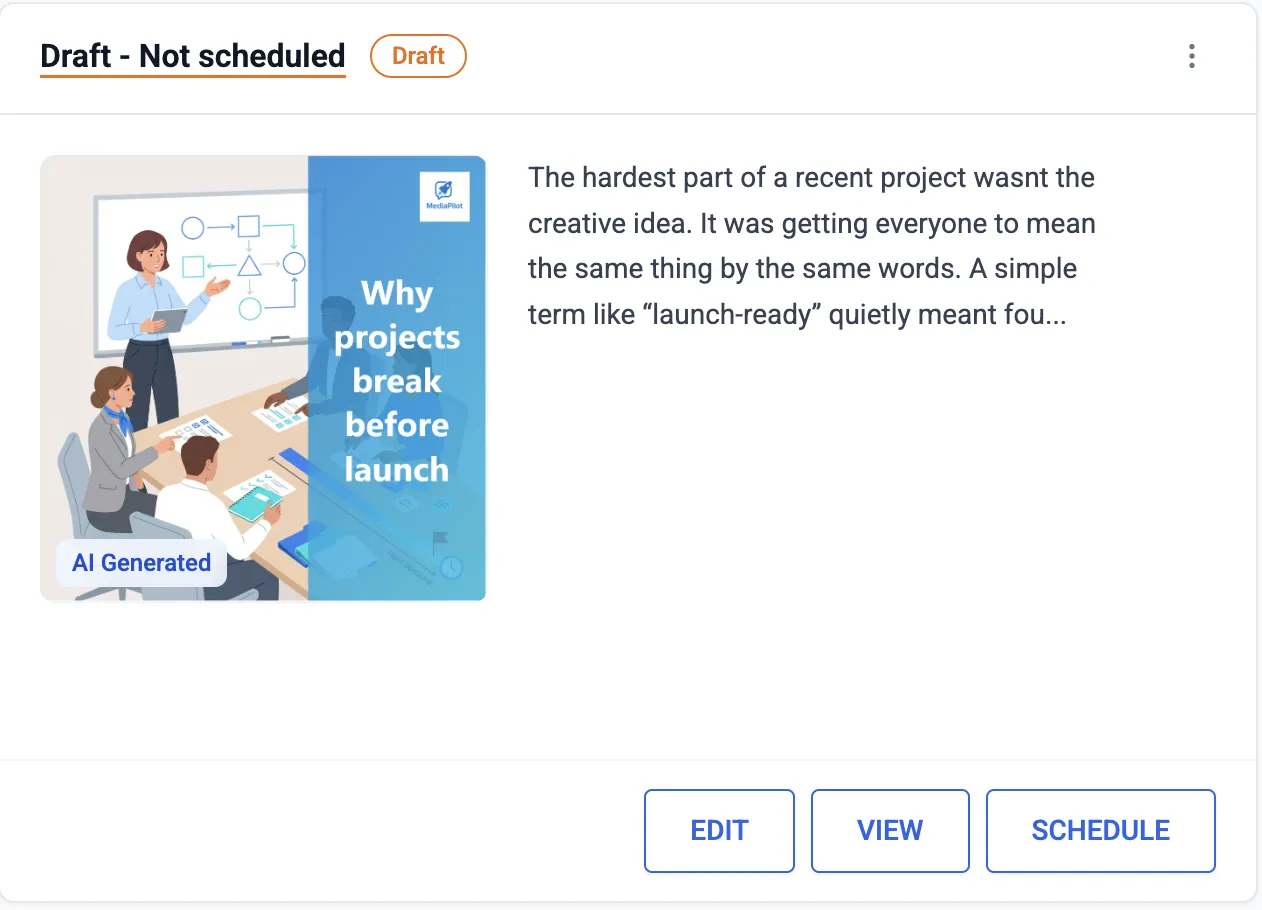
Ask in chat, review in MediaPilot
“Write something about our new pricing” gives you a draft in your workspace — in your tone, with an image, ready to edit. The assistant does the typing; the post still goes through you.
- Drafts land in MediaPilot, not on LinkedIn
- Edit, schedule or publish from chat or from the app
- 1 credit for the text, 4 with an image
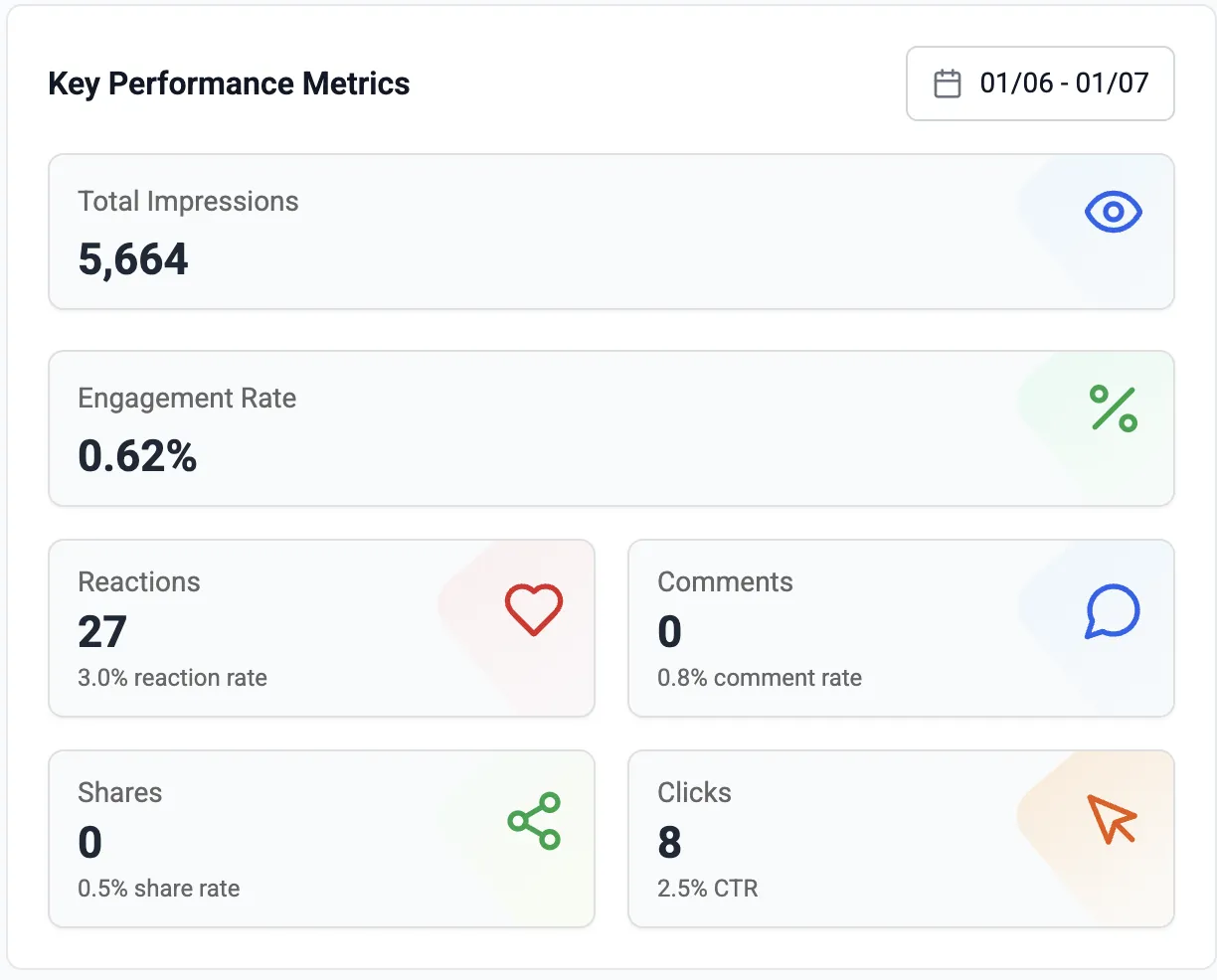
Your numbers, in the conversation
Ask which posts worked and the assistant reads your real LinkedIn analytics — impressions, reactions, engagement rate — instead of guessing.
- Performance for a period or a single post
- Comments waiting for an answer
- Credit balance before it spends any
What your assistant can do
Drafts, scheduled, published, failed.
From the pool MediaPilot built for you.
Text and image. 1 credit, 4 with an image.
Text, link and target accounts.
MediaPilot publishes it on its own.
Only with the publish permission.
Impressions, reactions, engagement rate.
Suggests a reply; you send it.
Three steps
Add the server
https://mcp.media-pilot.io/mcp
Pick workspaces and rights
Read only, or up to publishing.
Ask for a post
It appears in MediaPilot.
Good to know
Growth and Scale. Starter does not — you can upgrade from inside the app and the connection starts working immediately.
Any MCP client. Claude and ChatGPT support it directly, and so do Cursor and anything you build on the protocol yourself.
Only if you give it the publish permission when you connect. Leave that box unticked and it can write and schedule drafts but never publish. You can revoke any connection in MediaPilot under Account → MCP.
Reading costs nothing. Writing a post costs the same as it does in the app: 1 credit for the text and 3 more if it generates an image.
Yes. Tick every workspace you want it to reach when you connect, and tools take a workspace name. Agencies run one connector for all their clients.
To the assistant you connected, and nowhere else. Every call is logged in MediaPilot with the workspace, the tool and the time.
Yes. Every plan starts with 7 free days. Cancel in one click if it is not for you.
Put MediaPilot in your assistant
Growth and Scale include it. Seven days free.
Start free trial- 7-day free trial
- Cancel anytime
- From $9.90 / month